
Team Battle: The Icebreaker Your Standup Didn't Know It Needed
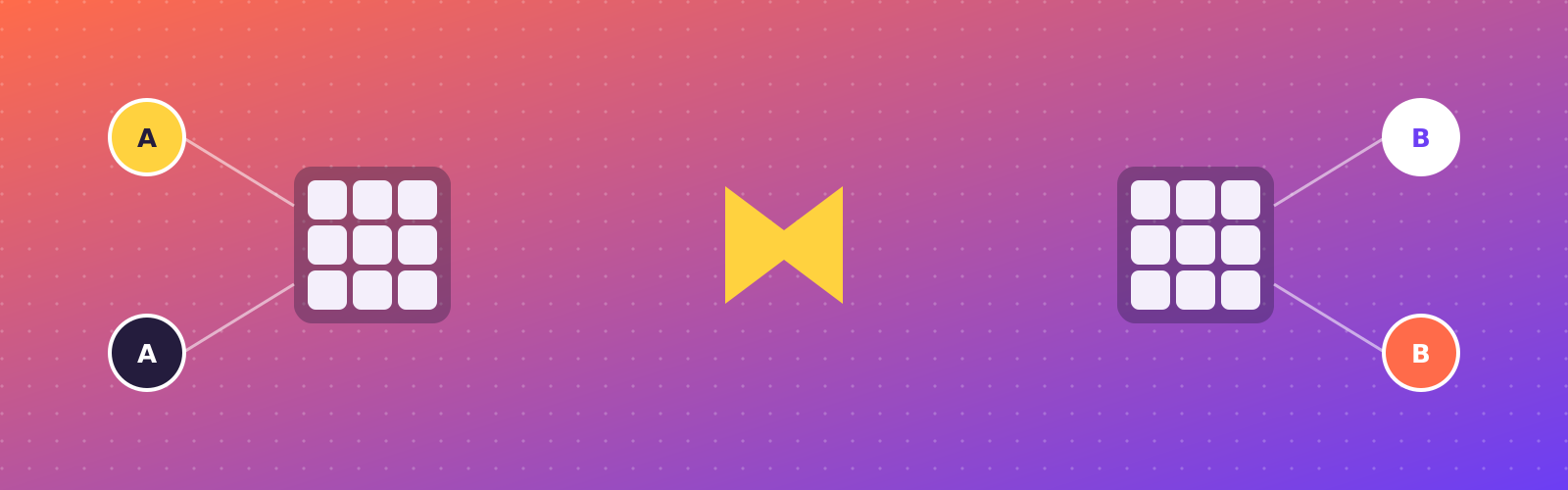
Every remote team has sat through the same icebreaker: name three fun facts, share your favorite snack, stare at a Zoom grid of muted mics until someone finally unmutes. They’re low-effort because they have to be — nobody wants to spend twenty minutes on setup for a five-minute activity. Team Battle mode in Grandmaster Sudoku is built for exactly that constraint: zero install, zero signup, live in under a minute.
The mechanics are simple. Whoever’s running the call creates a room, picks how many teams (two to four), and shares the code — that’s it, everyone else just types it in. Each team shares one grid, same as co-op: any teammate can fill any open cell at any time, no turns to wait through. The teams that finish their grid first, correctly, win. It’s genuinely collaborative and a little competitive, which is exactly the tension that makes an icebreaker land instead of feeling like homework.
What makes it work on a call specifically is that it’s naturally a shared-screen activity. Pull the grid up, share it, and suddenly people are talking over each other about which number goes where — which is the actual goal of an icebreaker, not the sudoku itself. Nobody’s staring at a form field waiting for their turn.
A few things that help it run smoothly for a group: pick Easy or Medium so the whole team can meaningfully contribute regardless of sudoku experience, keep teams to three or four people so nobody’s just watching, and budget ten to fifteen minutes — that’s usually enough for a full grid plus the inevitable “wait, that’s wrong” back-and-forth.
It’s free, it’s in the browser, and the room disappears the moment everyone leaves. Try Team Battle before your next standup.